Co-parenting,
simplified.
Custody scheduling, messaging, expenses, and approvals - meeting all your co-parenting needs.
 for Android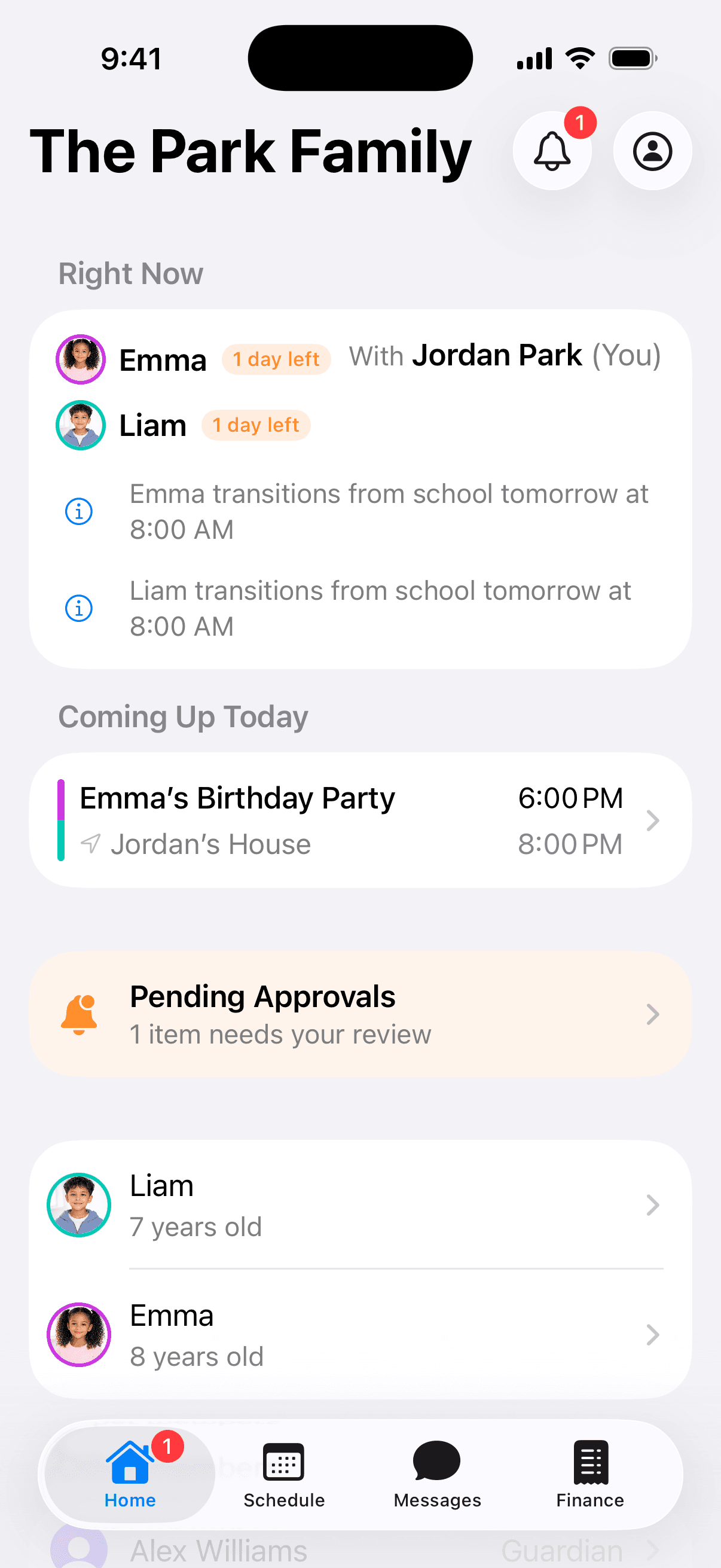

SCHEDULING
All children.
One schedule.
Every guardian.
Zero confusion.
A shared custody calendar that every guardian controls - together. Every change requires mutual approval before it takes effect.
Swap requests
Need to trade a day? Request a swap in just a few taps. The other guardian approves or declines.
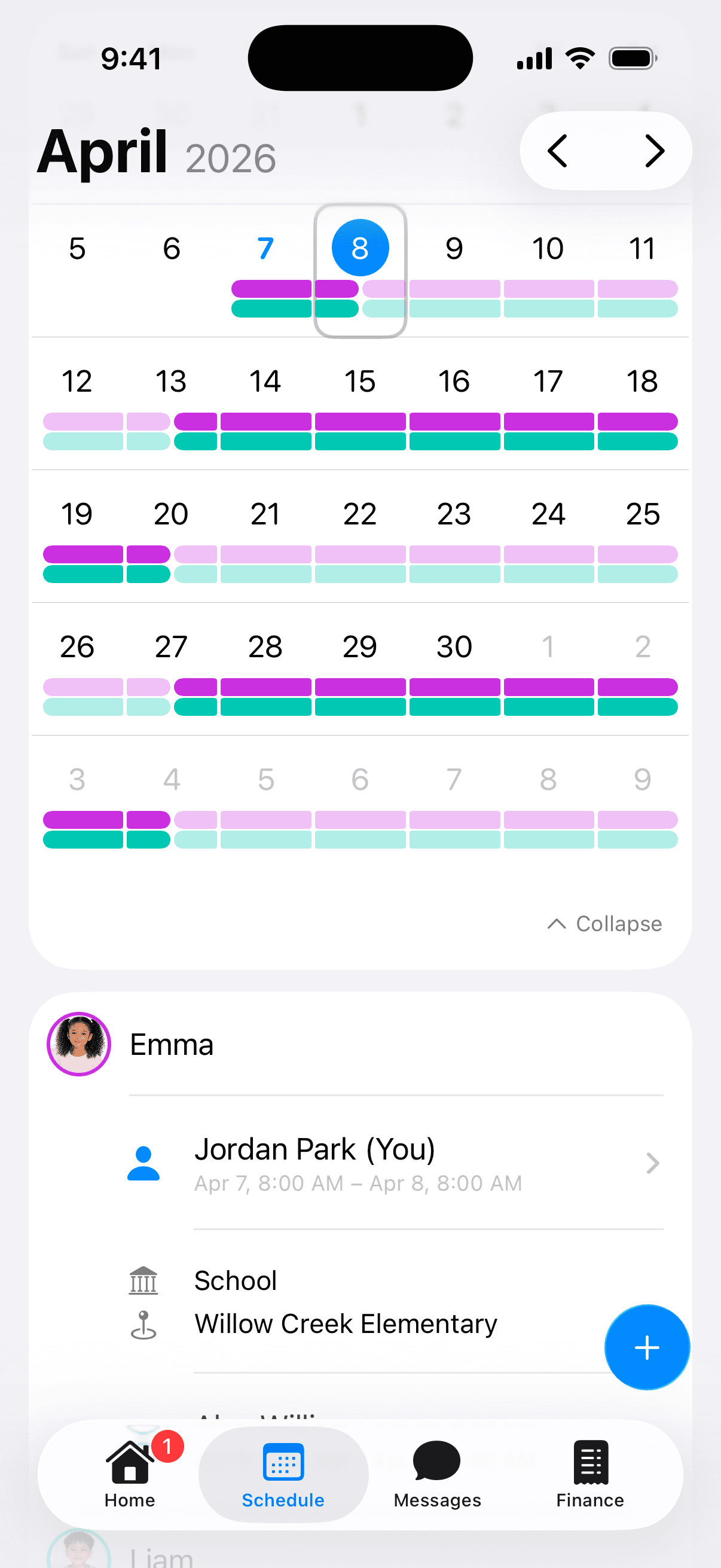
Color-coded calendar
See each child's custody at a glance with an interactive month and day view, color-coded by child.
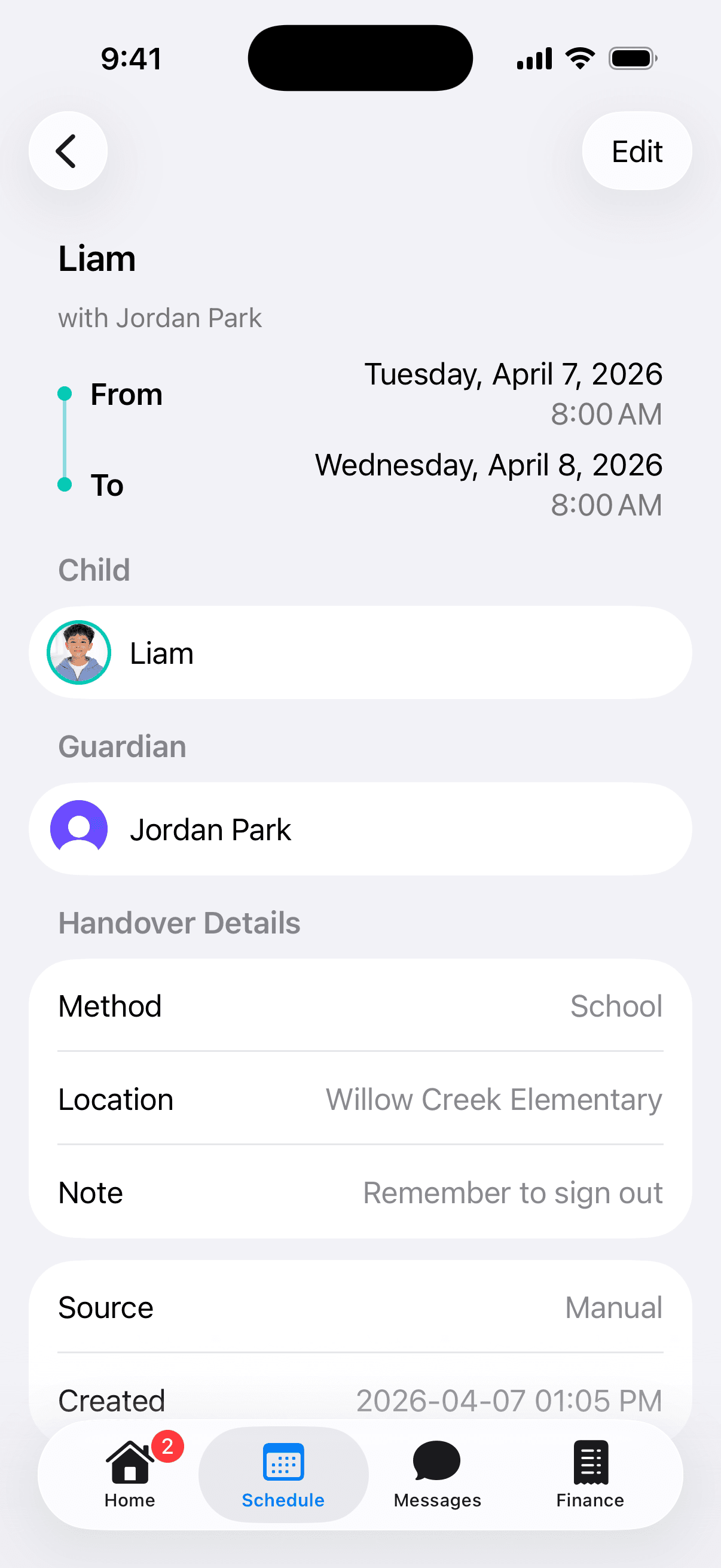
Handover tracking
Every custody transition includes the method, location, and notes - so everyone's on the same page.
MESSAGING
Keep every conversation in one place.
Documented, organized co-parenting communication. No more digging through text threads or email chains.
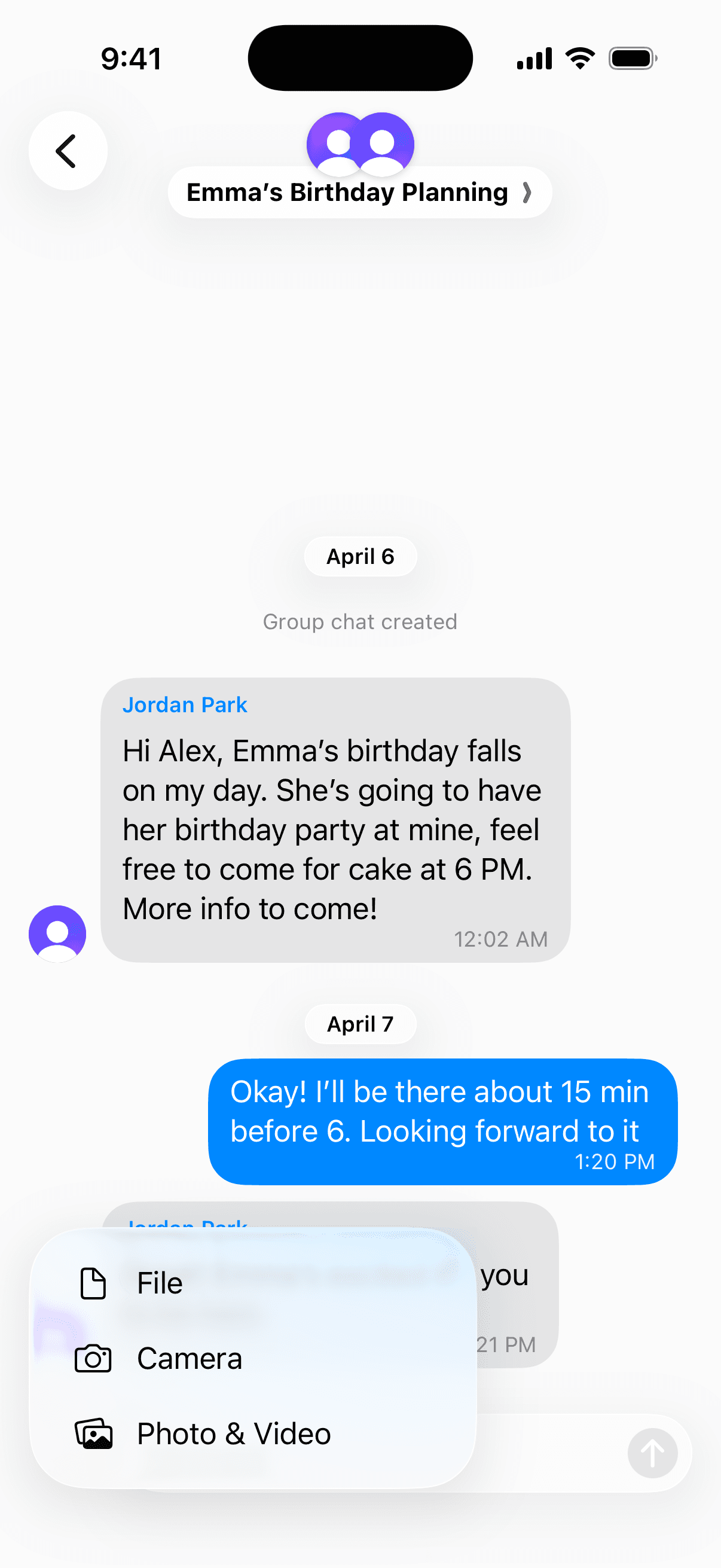
Unlimited group chats
Create as many group chats as you need. Organize by people, topic, or however works best for your family. Include stepparents, grandparents, caregivers - anyone who's part of the co-parenting team.
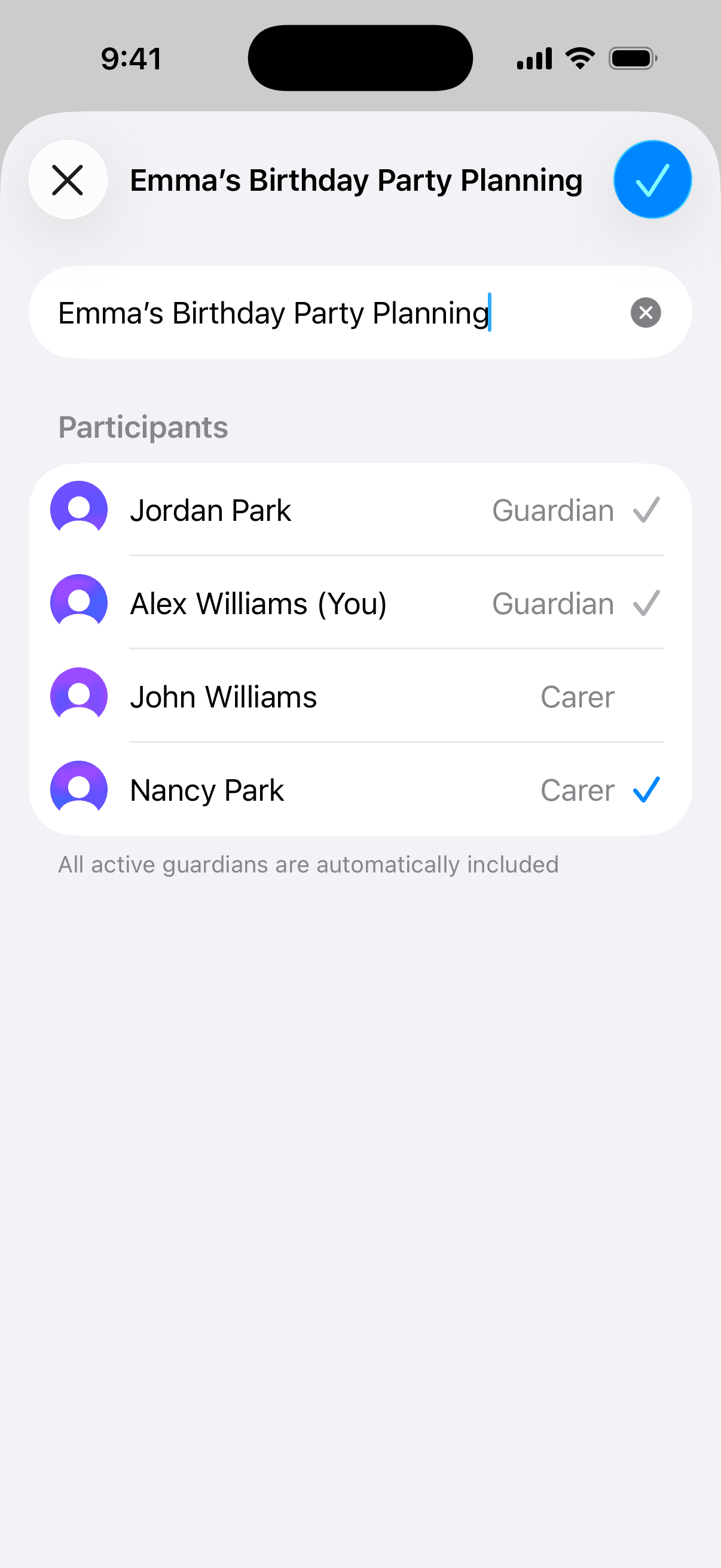
Read receipts
Know when your message has been seen.
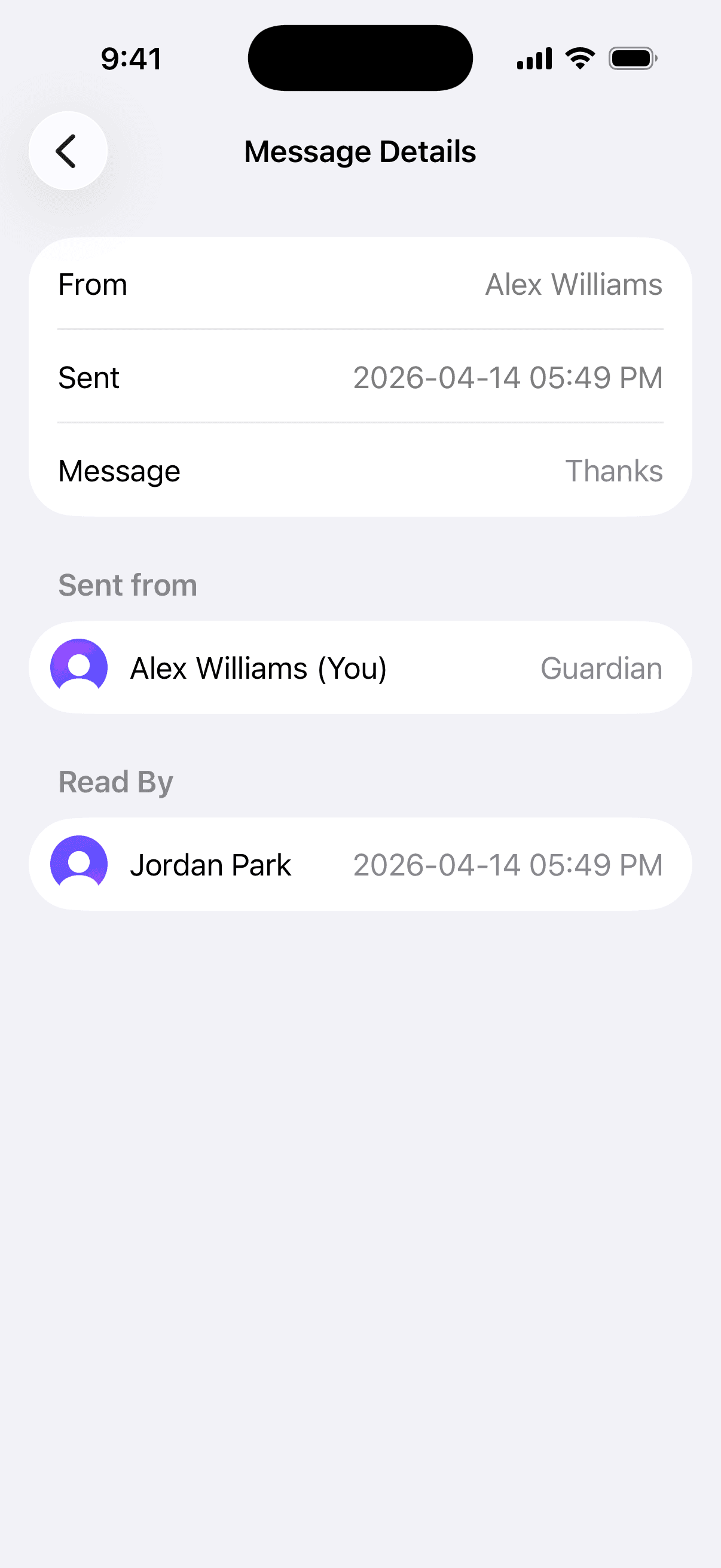
Export chats as certified records
Export any conversation as a certified record for legal or personal documentation2.
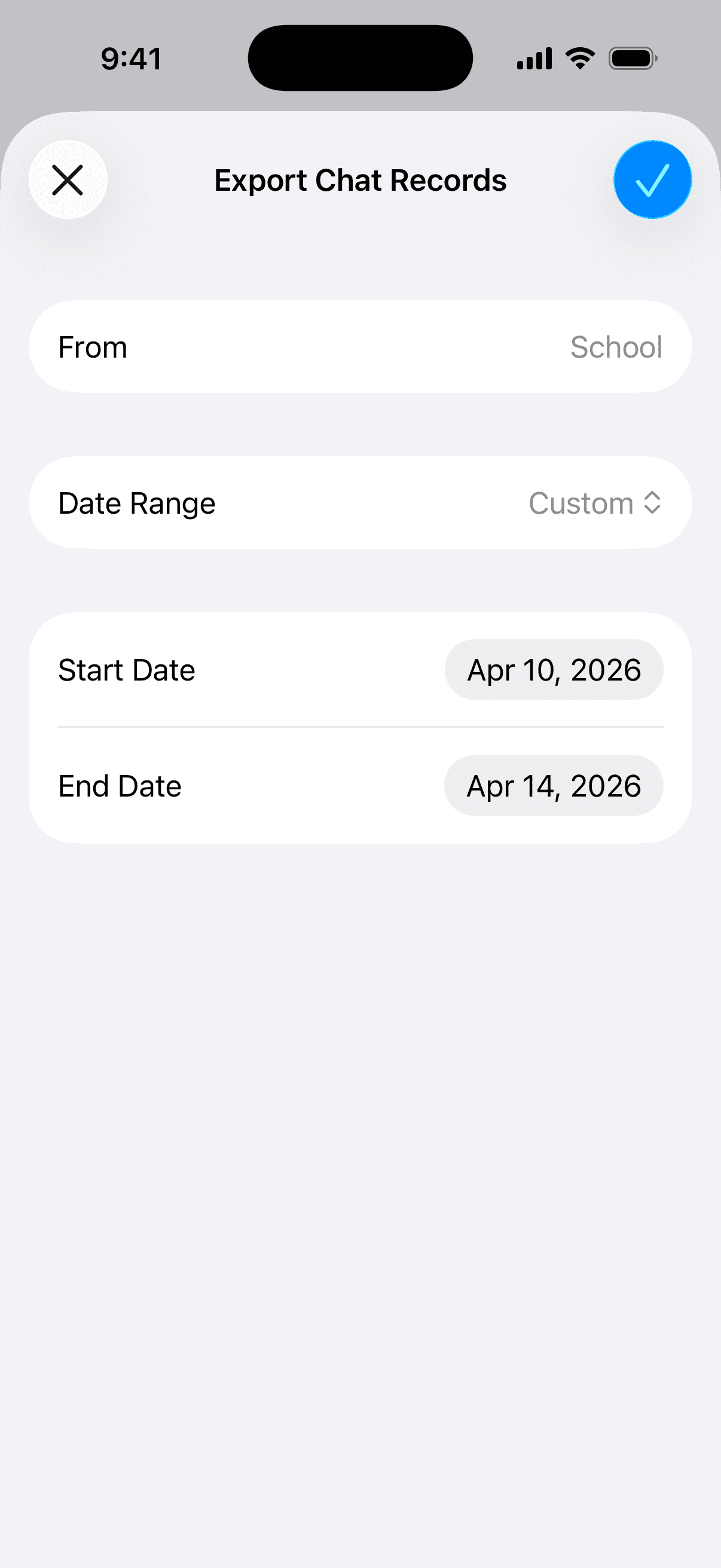
EXPENSES
Split costs. Track payments. Stay fair.
Log shared expenses, see who owes what, and record payments with receipt confirmation. No more disputes.
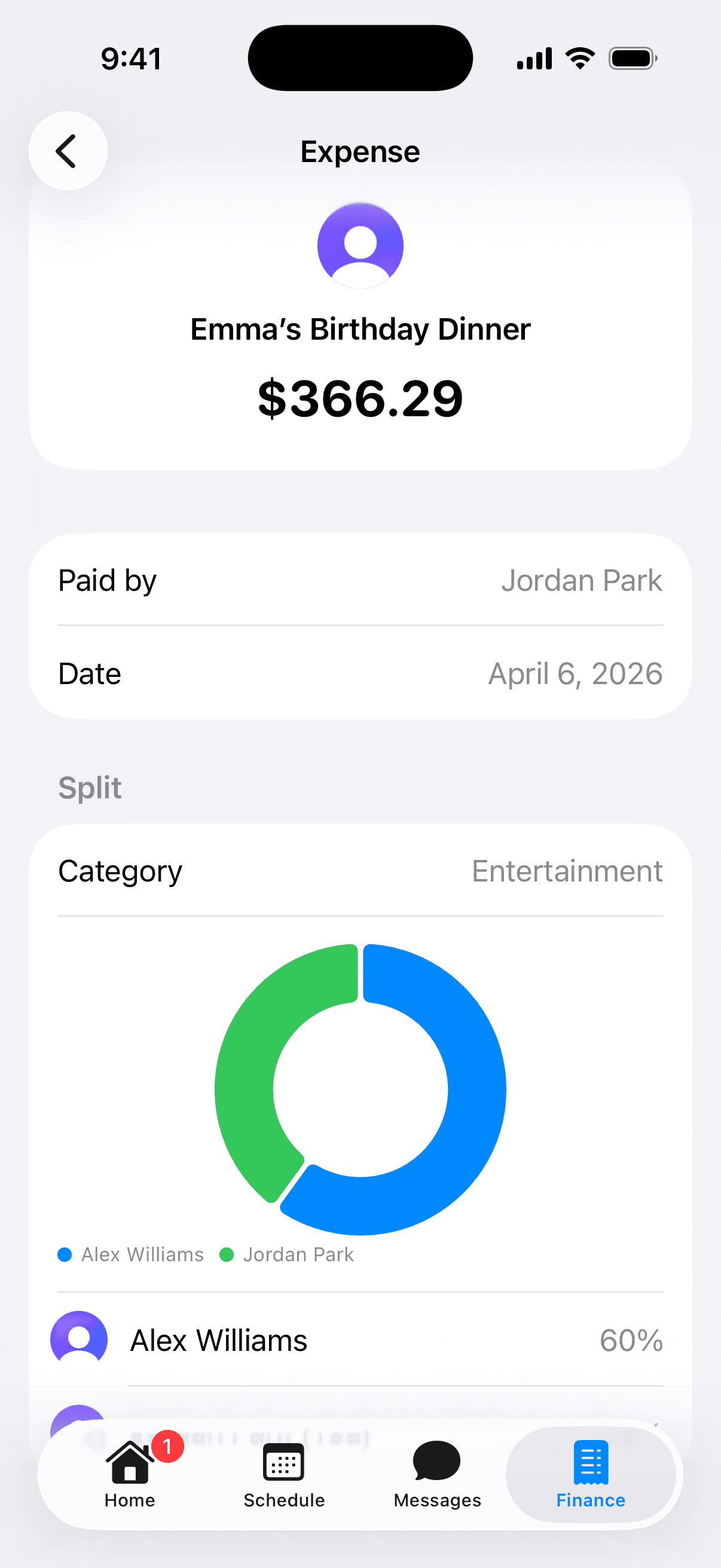
Expense tracking with categories
Create custom categories like Medical, School, or Extracurriculars - each with default percentage splits.
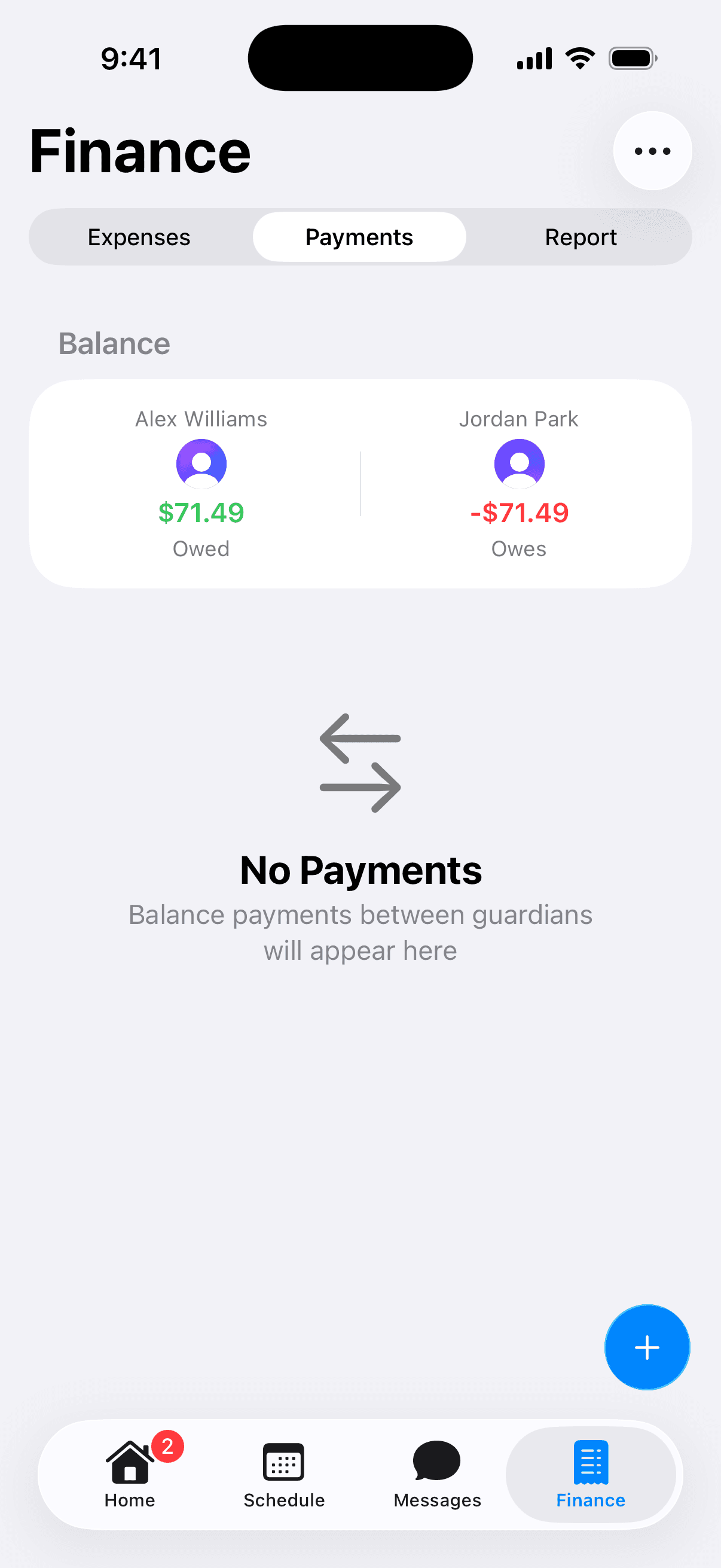
Balance calculations
See at a glance who owes whom and how much, calculated from all approved expenses and payments.
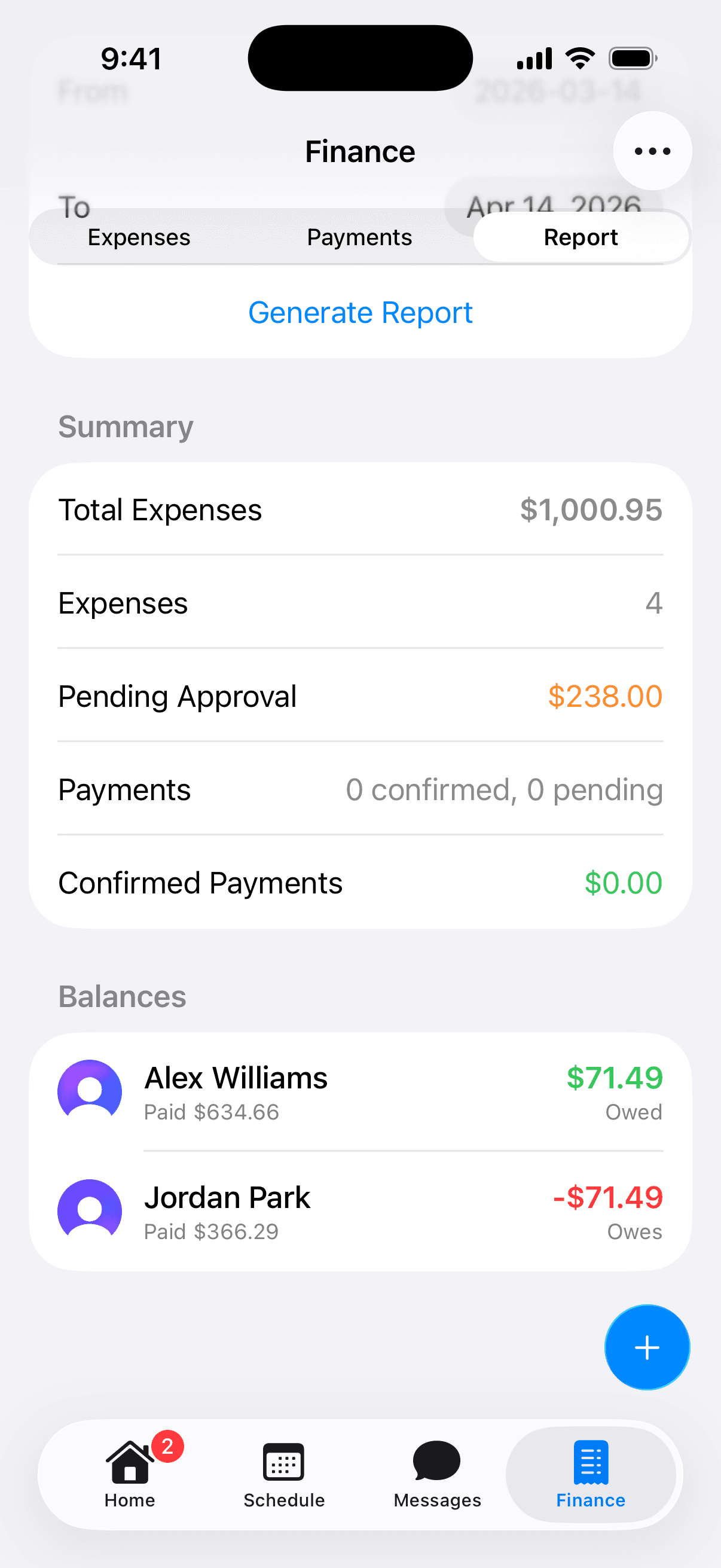
Financial reports
Generate reports for any date range with totals, per-guardian balances, and category breakdowns.
APPROVALS
Every change, agreed upon.
No one can make unilateral changes. Every custody modification, event, and expense goes through mutual consent.
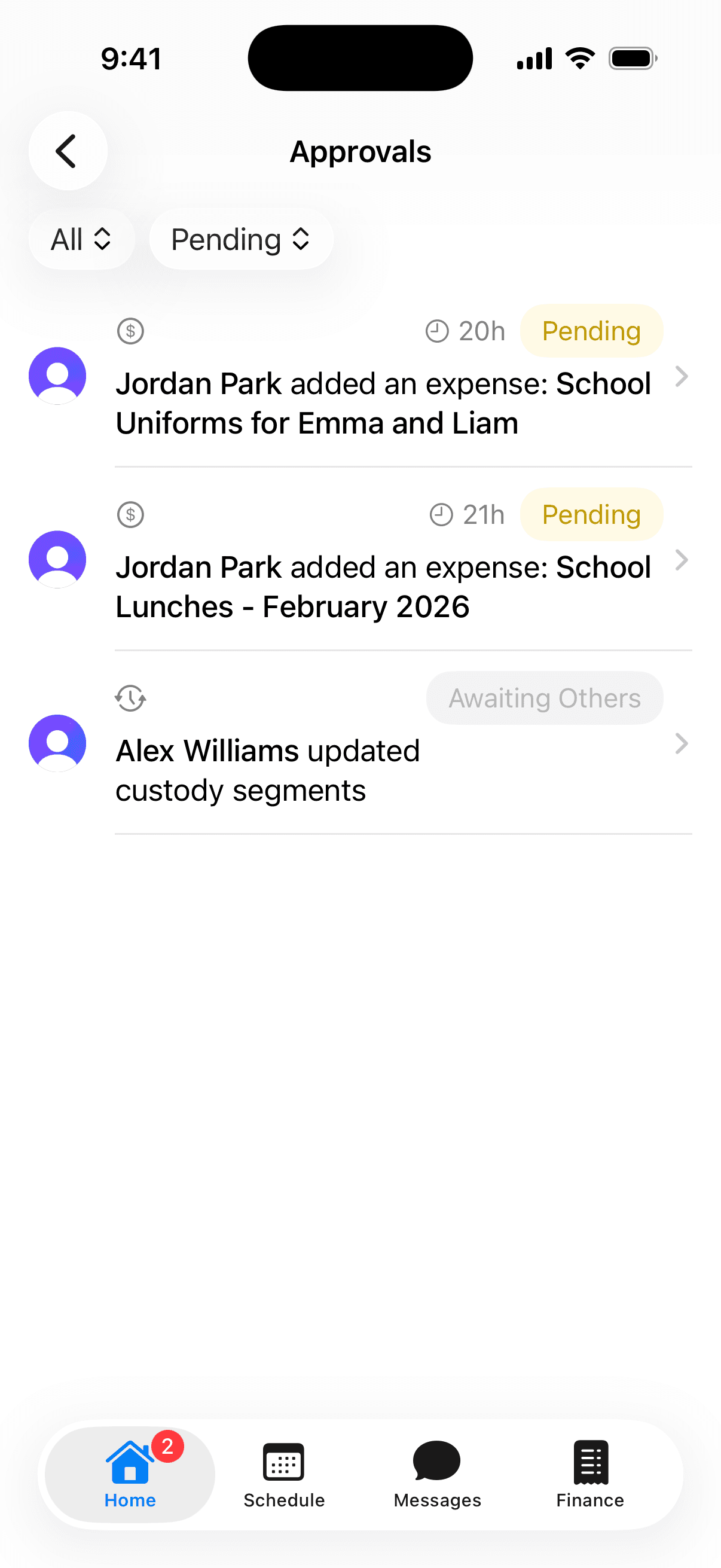
Centralized inbox
One place to see everything pending across custody, events, expenses, and family changes.
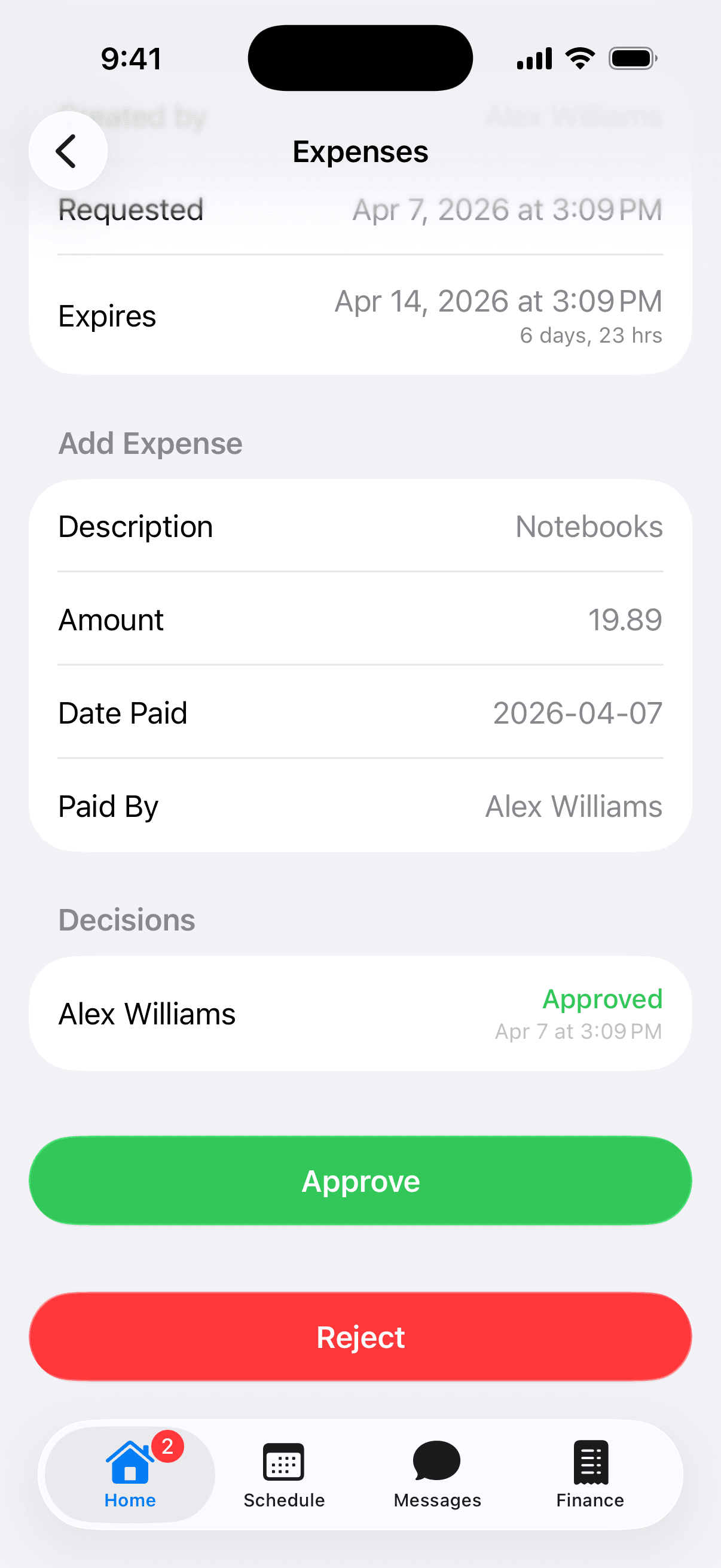
Approve, reject, or propose alternatives
Don't agree with a change? Reject it with a reason, or suggest something different.
iOS EXPERIENCE
Designed for iPhone.
Native iOS features that keep you informed without even opening the app.
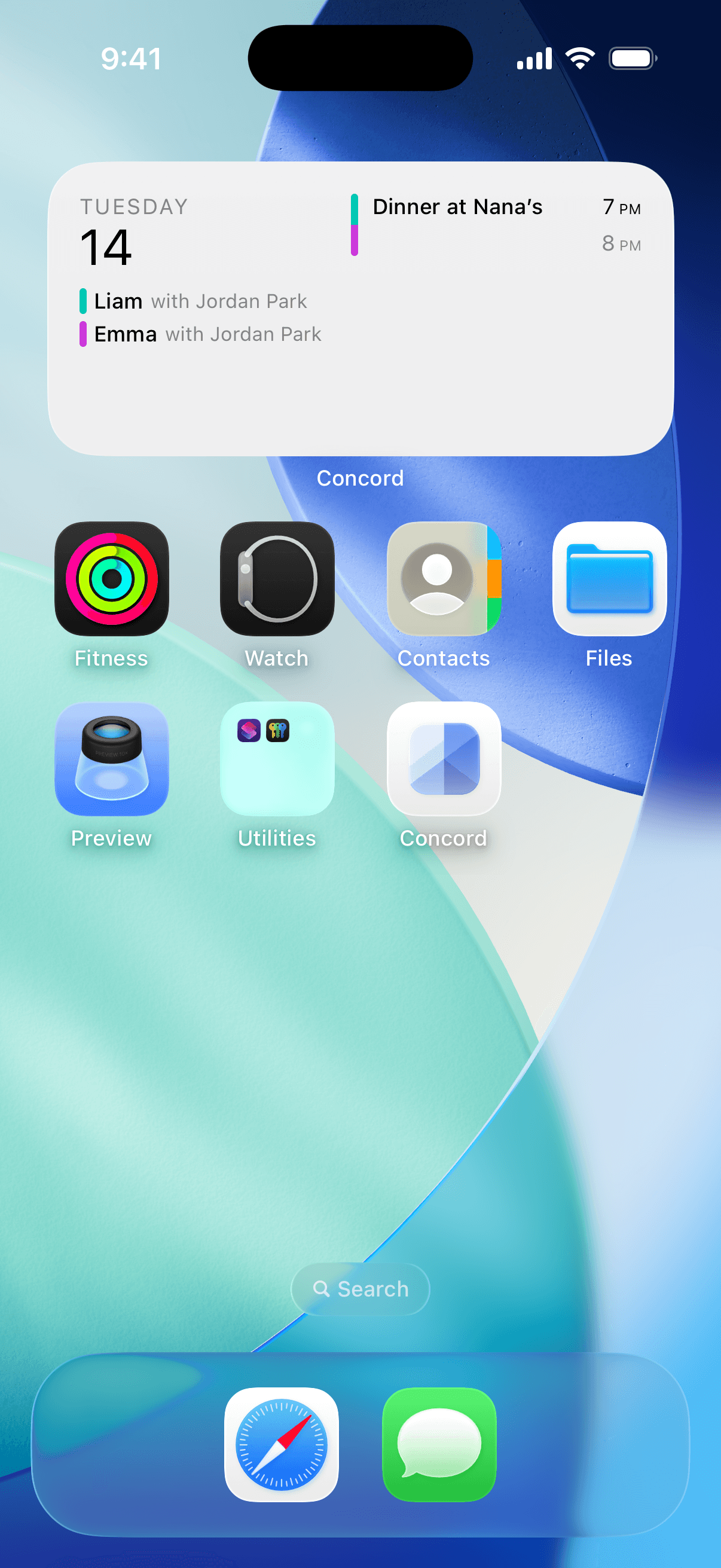
Home Screen Widget
Your schedule, at a glance.
See which child is with which parent, days until the next handover, and today's events - right on your home screen.
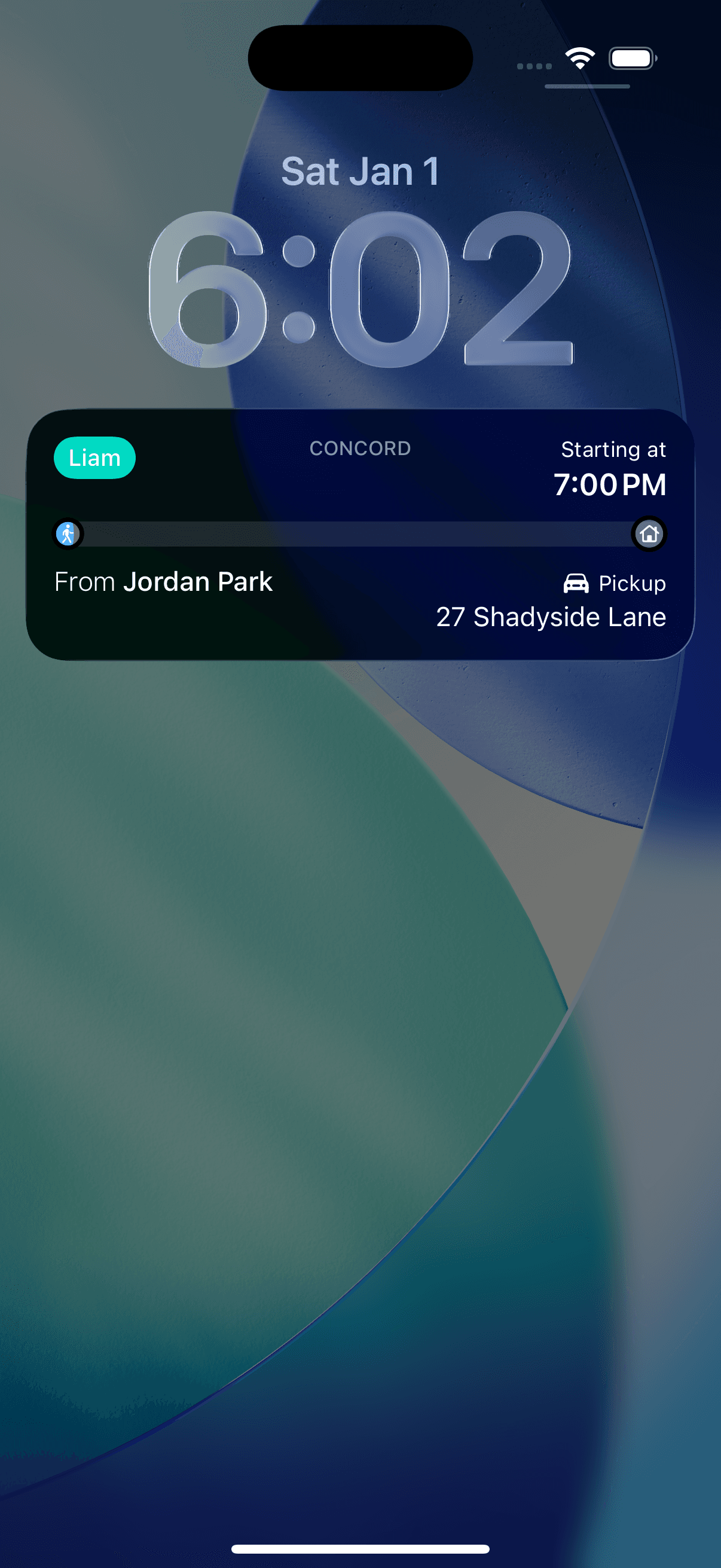
Live Activities
Handover countdowns on your Lock Screen.
Real-time countdowns before custody transitions and events. See the child, the next parent, method, and location - all from your Lock Screen and Dynamic Island.
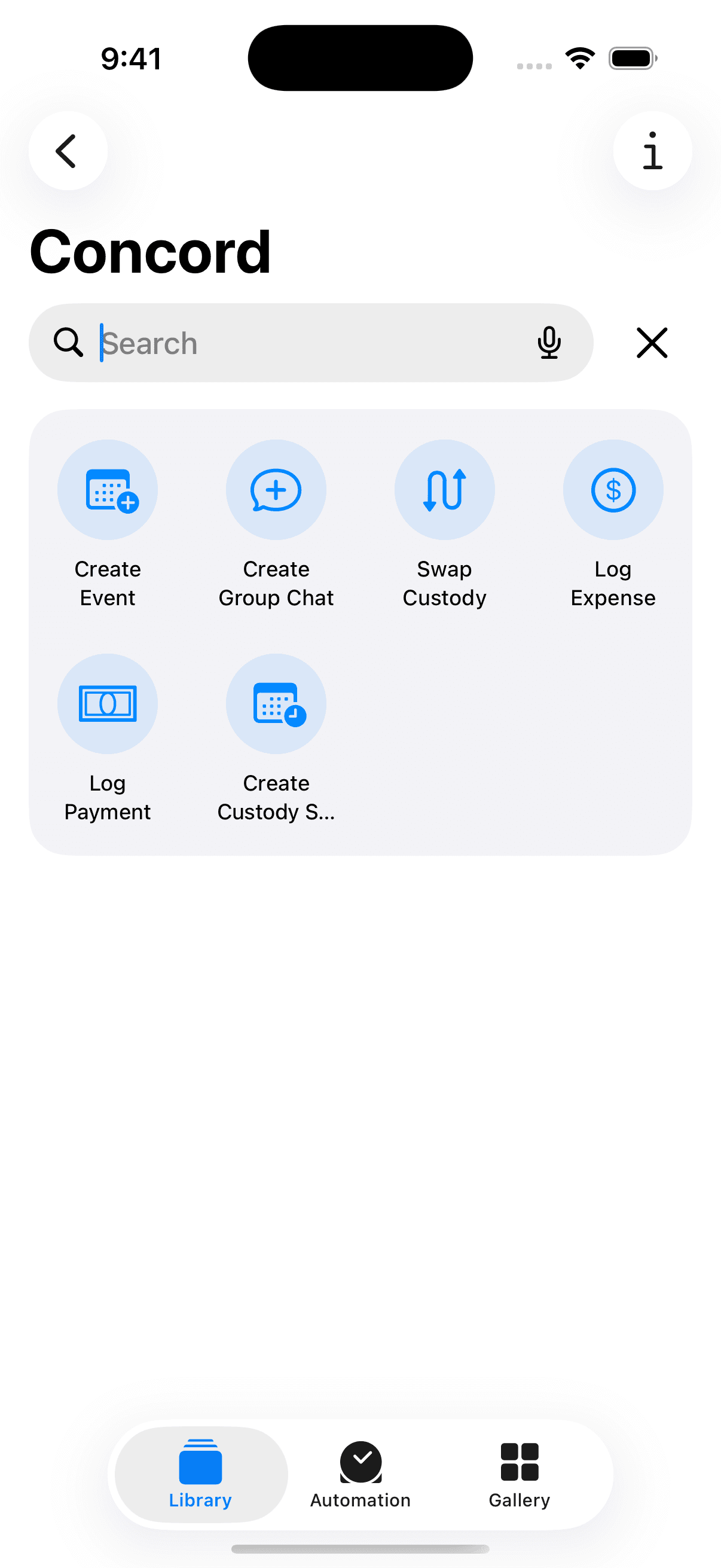
Shortcuts Integration
Automate your routine.
Create custom Shortcuts for repeat operations like adding an event or logging an expense. Streamline your co-parenting workflow.
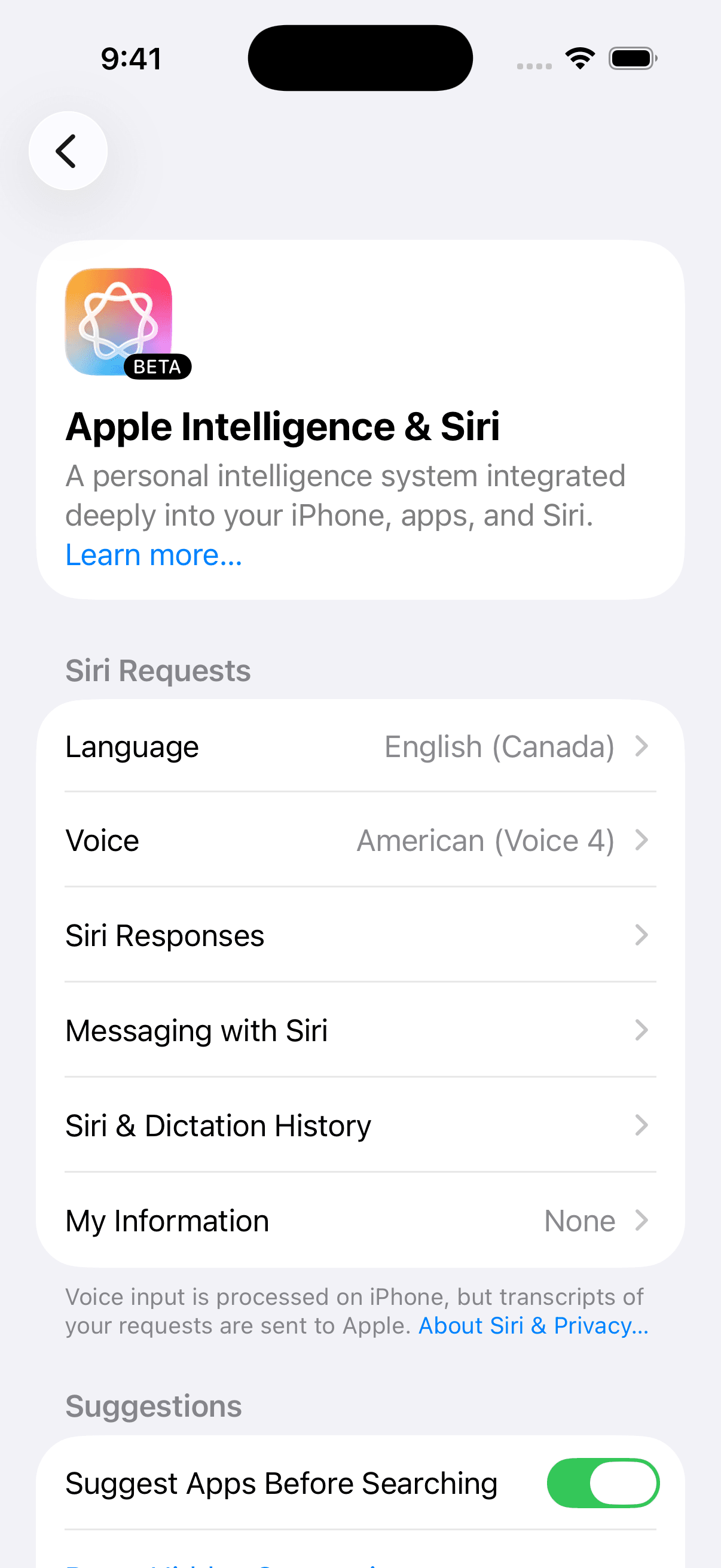
Siri Support
Voice-controlled co-parenting.
Use Siri to check schedules, create events, log expenses, and more1 - hands-free. Perfect for busy moments on the go.
Accountability
A record you can rely on.
Every change, decision, and timestamp is documented. If you ever need it for mediation, court, or your own peace of mind - it's there.
Certified chat records
Every conversation in Concord is securely stored and can be exported as a certified record for legal or personal documentation.
Court order support
Mark custody templates as court-ordered to distinguish them from informal arrangements.
Immutable audit logs
Logs cannot be edited or deleted. Every approval, rejection, and reason is recorded permanently.
Expense documentation
All expenses, payments, and confirmations are timestamped, attributed, and ready for review.
Pricing
Simple plans.
Fair pricing.
One subscription covers the whole family. When one guardian subscribes, everyone benefits.
Free
Free
Get started for free.
- Create or join a family
- Add and manage children with birthdays and notes
- Unlimited guardians, carers, and viewers
- Unlimited group messaging (text-only) with read receipts
Messaging
$5/month
For families who need secure communication with media sharing and certified records.
- Everything in Free
- Photo, video, and document sharing in messages
- Unlimited exports of certified chat records
Full Access
$10/month
For families coordinating schedules, expenses, and decisions together.
- Everything in Messaging
- Custody and event scheduling
- Custody templates
- Mutual approval workflow
- Expense and payment tracking with balances
- Financial reports and categories
Questions?
Answers.
Concord is a co-parenting app that brings custody scheduling, messaging, expense tracking, and mutual approvals into one place. It's designed for separated, divorced, or shared-custody families who want clarity and accountability.
No. When one guardian subscribes, the entire family benefits from that plan. You don't need to pay twice - one subscription covers everyone.
Every custody change, event, and expense goes through Concord's approval workflow. If you disagree, you can reject the change with a reason. Nothing takes effect without mutual consent.
Yes. Concord supports multiple guardians per family, and you can be part of multiple families - ideal for blended family arrangements.
Concord uses secure authentication, role-based access control, and signed URLs for all media. Your data is never shared with third parties.
Concord maintains a complete history of all changes, approvals, and decisions-child details, finances, schedules, and messages-with timestamps. You can export certified chat records per group chat. Custody segments can be marked as court-ordered. While we can't provide legal advice, many parents find this record valuable for mediation and legal proceedings.
 Concord
Where family works
Get started for free.